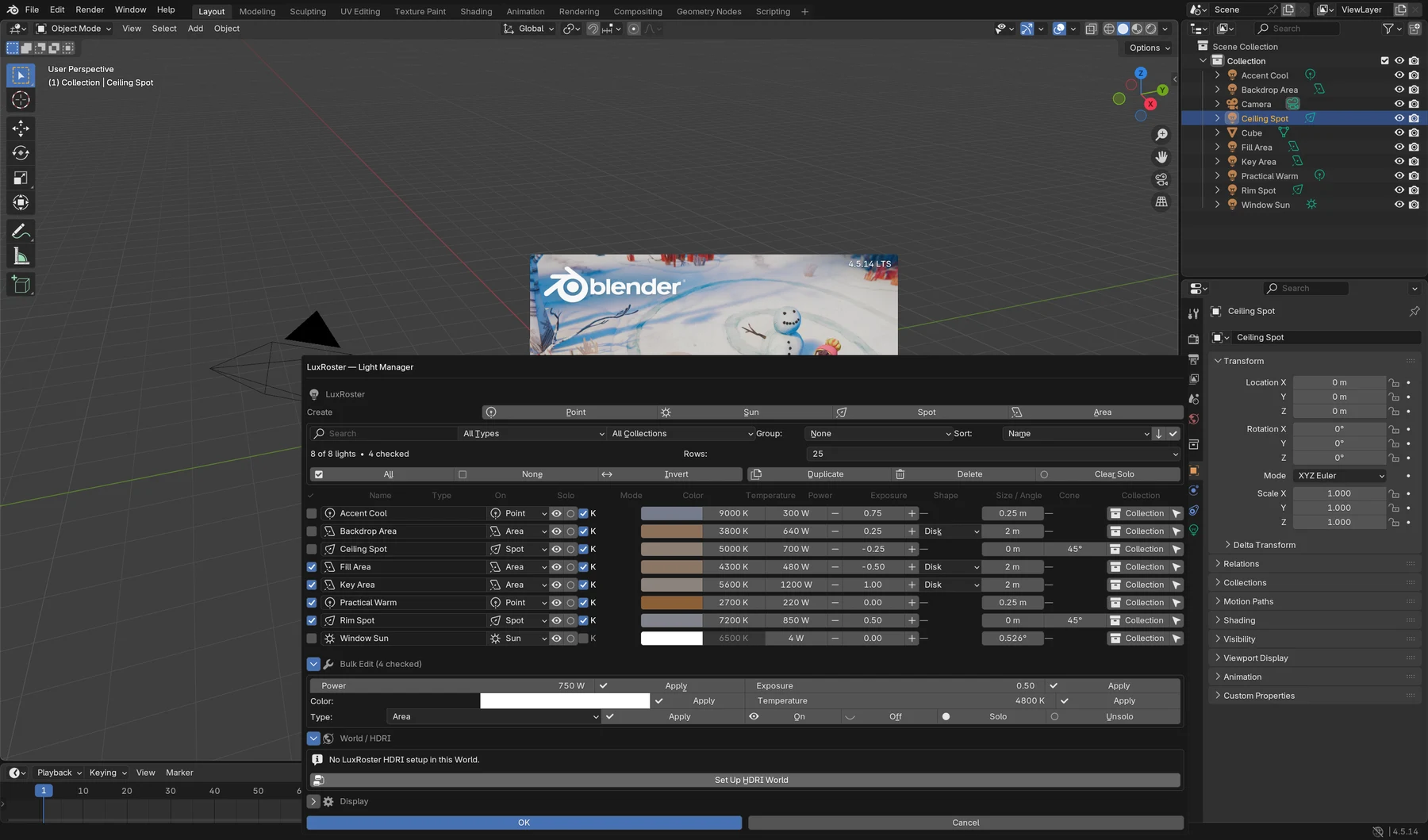
Find the light.
Search by name, filter by type or collection, and group a rig into a readable list.
Andreas Boehler / Creator application
Made for artists. Built in practice.Three original Blender add-ons. Procedural books. Cinematic 3D. A look inside the things I actually make.
Explore the toolsLighting, procedural geometry and precise object origins. Each product below has its own implementation, version and installation workflow.
A Blender-native light manager for Cycles and Eevee. Search a rig, balance its lights and adjust the World from one place.
 View image ↗
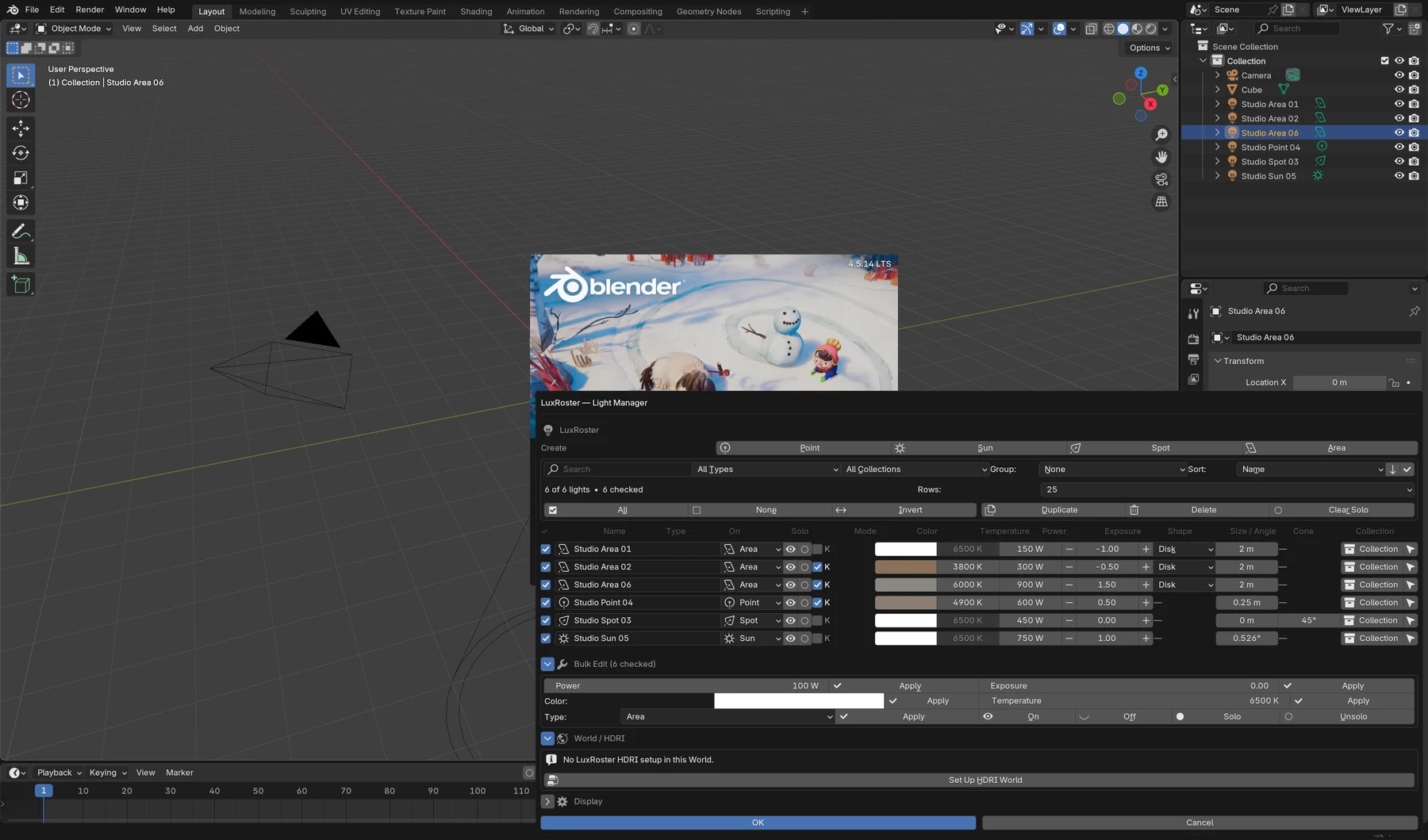
The actual LuxRoster interface: native scene lights, direct controls and the wide manager window.
Search by name, filter by type or collection, and group a rig into a readable list.
Select multiple lights and edit power, photographic exposure, colour or Kelvin together.
Solo restores previous visibility. Existing scene lights remain native Blender data.
Search for a light or filter its collection. Check the lights you want to edit together, then apply the bulk setting. Solo a light to inspect its contribution; clear Solo to return to the original visibility state.
Works with native Point, Sun, Spot and Area lights. Linked light data appears read-only. The HDRI setup is created only when requested; unrelated World nodes are retained.
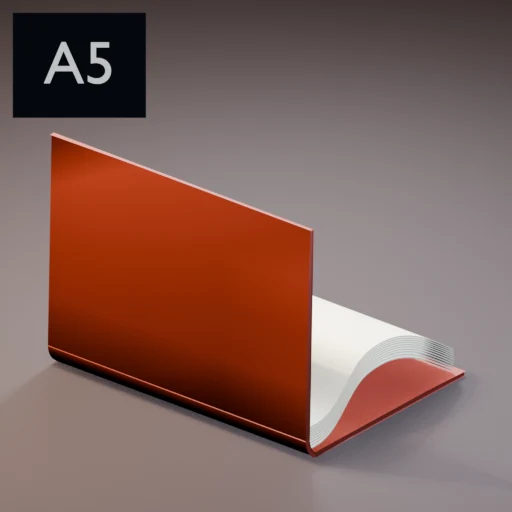
Real page meshes. Separate page-side materials. Hard and soft covers. A procedural generator with a complete book-turn rig.
 View image ↗
A5 hardcover. Actual render of the generated preset, with separate cover and page geometry.
The geometry is the product
Set a format, page count, cover and binding. Build the book, then drive opening, page turns and closing with one Progress control. Individual page actions and editable full-book animation support a more directed shot.
A native Book Controls modifier keeps Progress, Max Open Tweak and Back Bulge editable in a portable file saved in master-slider mode, even after the generator is removed.
These images are actual preset renders. The gallery selects presets; it is not a browser simulation of the Blender rig.
86 properties
321 setting samples
231 preview builds
775 generated-control samples
Version 0.26.0 targets Blender 4.2–5.1. The documented release run used Blender 5.1.2 on macOS. It does not certify every version or operating system in the target range. Blender 5.2 is excluded from this release.
Save in master-slider mode for add-on-independent Progress control. Rebuilding topology, changing page counts and advanced generator editing still require Book Rig Studio.
This is deterministic mesh deformation, not cloth simulation or a general collision solver. Extreme curls and manually overlapping turns can intersect. The standard demo needs its relative texture folder; the comic demo uses self-contained procedural materials.
Move an object’s origin to a precise anchor without visibly moving its geometry. Bottom, centre and top in one click, or any of 27 X/Y/Z combinations.
Also supports the 3D Cursor and selected mesh geometry. Unsupported object types are left unchanged.
Local / X Center · Y Center · Z Min
Interactive diagram of the anchor controls. The actual geometry operation runs inside Blender. Local follows object axes; World uses global axes.
In Blender Preferences → Get Extensions → Install from Disk, select the Origin Toolkit ZIP. Open the N-sidebar → Item → Origin Toolkit. Version 1.1.0 includes its Extension manifest and GPL-3.0-or-later license.
Select supported objects in Object Mode. Use Bottom, Center or Top, or choose Local/World and Min/Center/Max on each axis before Apply Custom Anchor. The operation restores the 3D Cursor and selection and supports Blender Undo. Ctrl + Alt + B performs local bottom-centre placement.
My work also lives outside the add-on panel: automotive scenes in Unreal Engine and 3D/VFX inside entertainment productions. Each case links to its original project.
 View original project ↗
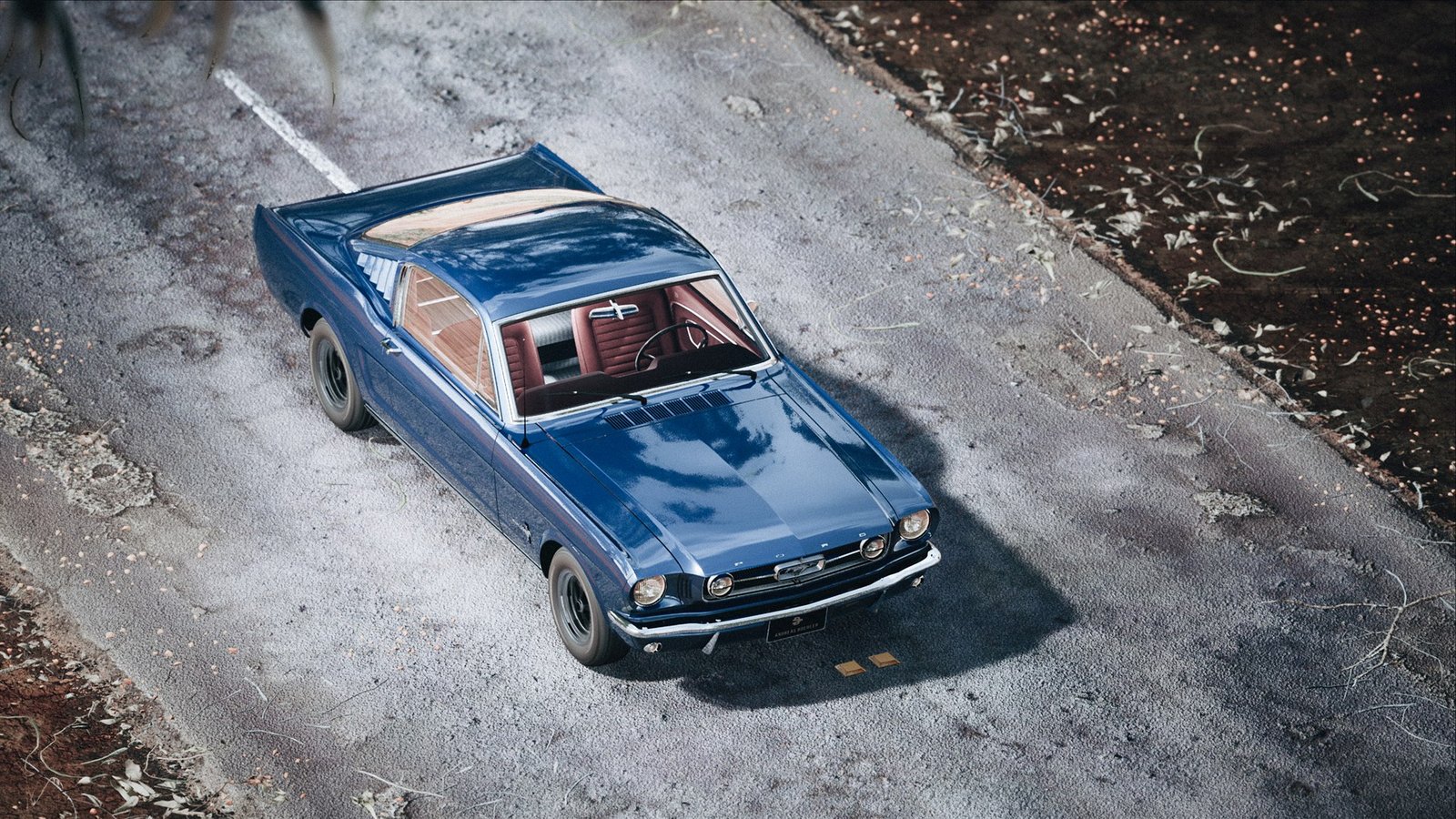
An automotive render built around a campaign-style frame: scene, camera, light and finish.
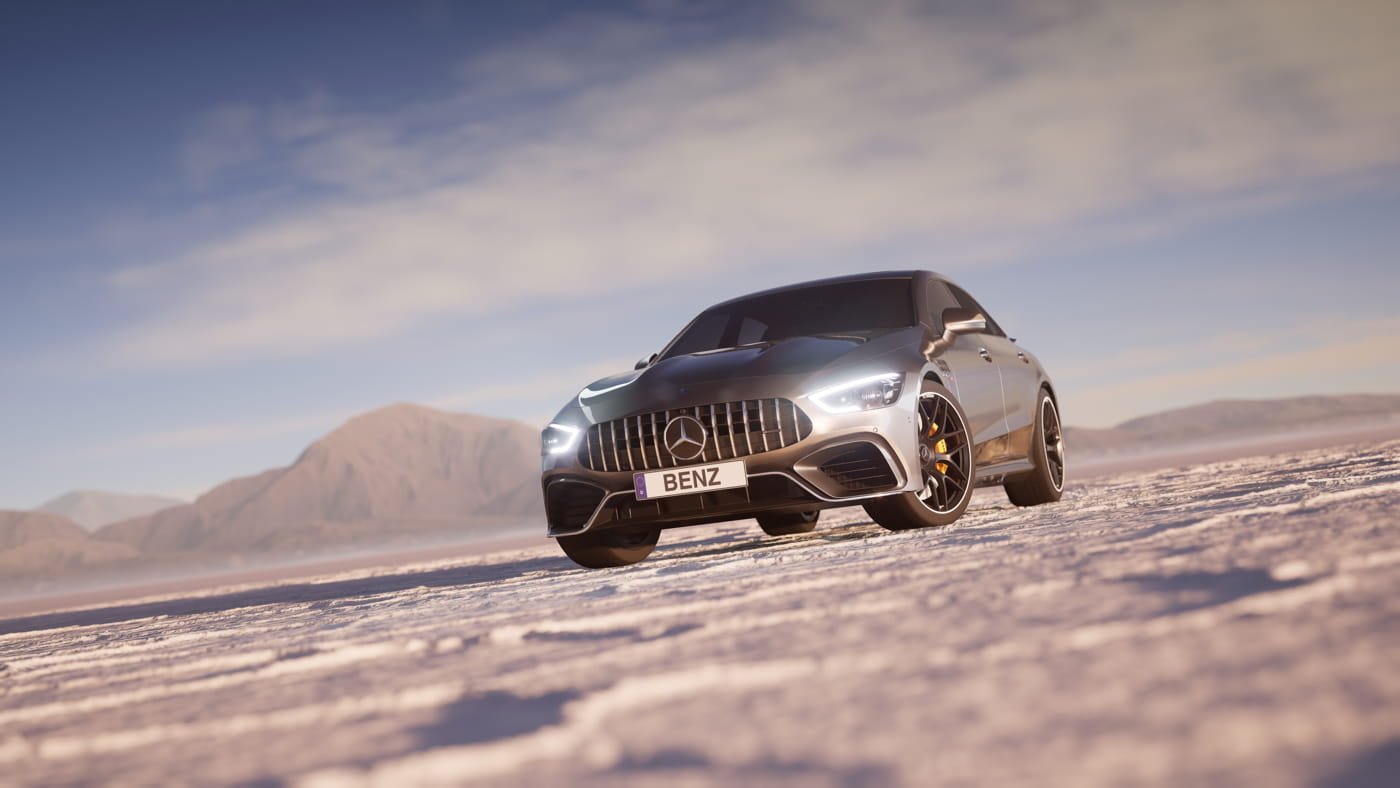 View original project ↗
A real-time automotive visual in an unexpected landscape. Environment, lighting and visual direction.
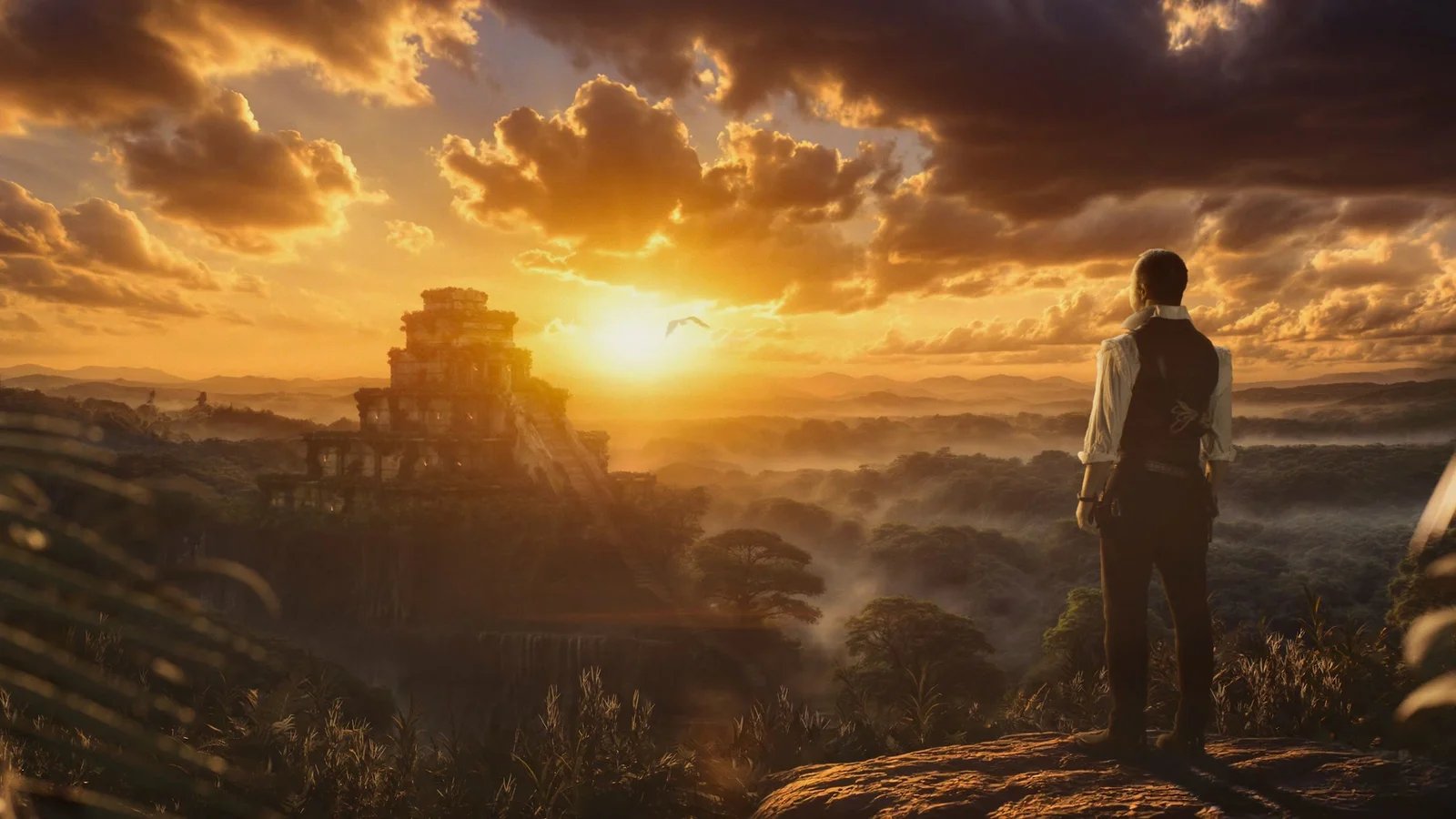 View original project ↗
Producer, special VFX, 3D/motion graphics and AI-assisted post-production for the tour trailer.
Automotive images demonstrate scene and visual development, not ownership of the vehicle designs or proof that the car meshes were modeled from scratch. Client work is shown as production evidence and is not included in any saleable asset.

Campaign production, camera and post-production.
Two After Effects scripts from the same practice. Included to show the wider toolset; these are separate from the Blender products proposed for Superhive.
See what changed between project versions: compositions, layers, expressions, keyframes and timing, with before/after values and a change map.
Local semantic comparison / AEP workflowA project-specific reference is created or restored automatically. Compare the current project or two saved AEP files, reveal an affected layer and export a text report. Persistent layer IDs require After Effects 2022+. Imported projects may receive new IDs; this compares authoring state, not rendered pixels.
Find the likely layer or effect behind a reproducible single-frame render failure using controlled isolation on a disposable composition copy.
Render diagnostics / Supplied product filmVerify the same failing frame twice, split enabled layers into test groups, then investigate the isolated layer’s effects. The source composition is preserved. Intermittent failures and interactions are reported rather than forced into a single result. It cannot recover from application crashes, GPU resets or operating-system termination.
Start with a focused tool
My proposed first submission is LuxRoster: a focused lighting workflow tool with an existing installable release. Origin Toolkit and Book Rig Studio give the shop a clear path into object workflow and procedural animation.
I create original Blender add-ons for lighting, object workflow and procedural modeling/animation. My proposed first submission is LuxRoster 1.0, an existing Blender-native light manager for Cycles and Eevee. The portfolio shows its real interface, bulk editing, visibility-preserving Solo and World/HDRI controls. I also present Origin Toolkit 1.1, a packaged origin-placement tool with 27 Local/World anchors, and Book Rig Studio 0.26, a procedural book generator with real page geometry, nine rendered presets and a portable animation-control workflow. Book Rig Studio currently targets Blender 4.2–5.1, with release QA documented in Blender 5.1.2; it does not claim Blender 5.2 support. The proposed categories are lighting/workflow, object tools and modeling/animation. Indicative prices are US$9–19 for LuxRoster, US$5–9 for Origin Toolkit and US$29–49 for Book Rig Studio. Blender add-ons use GPL-3.0-or-later licensing. Each submission will include an installable package, written installation and usage instructions, accurate compatibility, original feature imagery and clear limitations. Client productions and the separate After Effects tools are portfolio context only and are not part of these Blender product downloads.
Original implementation, GPL source for Blender add-ons, clear version support, written installation and usage instructions, feature images and issue reporting. Each product will go through Superhive’s separate product review; this portfolio does not imply marketplace approval.
Andreas Boehler / Independent creator